> ## Documentation Index
> Fetch the complete documentation index at: https://docs.symplr.io/llms.txt
> Use this file to discover all available pages before exploring further.
# How Symplr Works
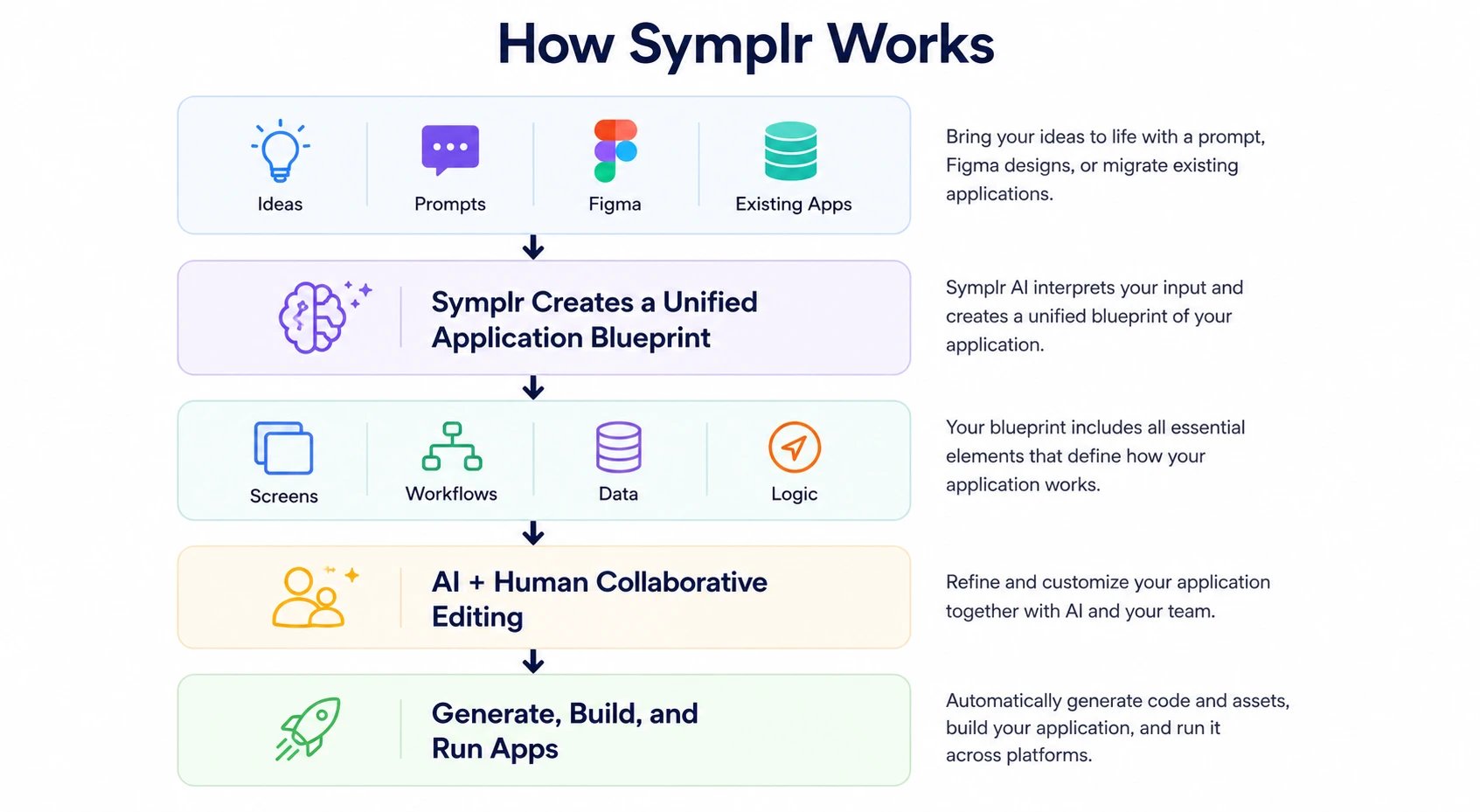 Symplr transforms ideas, designs, and existing applications into a unified application blueprint that accelerates design, development, and delivery.
Symplr supports multiple starting points for application creation:
* A prompt or idea
* A Figma design
* An existing application
Based on the provided input, Symplr AI analyzes the application requirements and generates a structured application blueprint, including:
* Screens and navigation
* Workflows and logic
* Data structures
* Integrations and application behavior
This blueprint becomes the single source of truth for the application, enabling teams to visually refine, extend, and collaborate throughout the application lifecycle.
With AI-assisted editing and automated application generation, Symplr helps teams reduce repetitive development tasks, maintain application consistency, and accelerate delivery from concept to production.
Symplr transforms ideas, designs, and existing applications into a unified application blueprint that accelerates design, development, and delivery.
Symplr supports multiple starting points for application creation:
* A prompt or idea
* A Figma design
* An existing application
Based on the provided input, Symplr AI analyzes the application requirements and generates a structured application blueprint, including:
* Screens and navigation
* Workflows and logic
* Data structures
* Integrations and application behavior
This blueprint becomes the single source of truth for the application, enabling teams to visually refine, extend, and collaborate throughout the application lifecycle.
With AI-assisted editing and automated application generation, Symplr helps teams reduce repetitive development tasks, maintain application consistency, and accelerate delivery from concept to production.