
Documentation Index

Fetch the complete documentation index at: https://docs.symplr.io/llms.txt

Use this file to discover all available pages before exploring further.

Download the Application Definition file to access the structural representation of your application in JSON format. The downloaded file contains the application structure and configuration used during application generation.

Before You Begin

Before downloading the Application Definition file, ensure:
  • Application structure is available in Blueprint View
  • The project is ready for export

Download the Application Definition

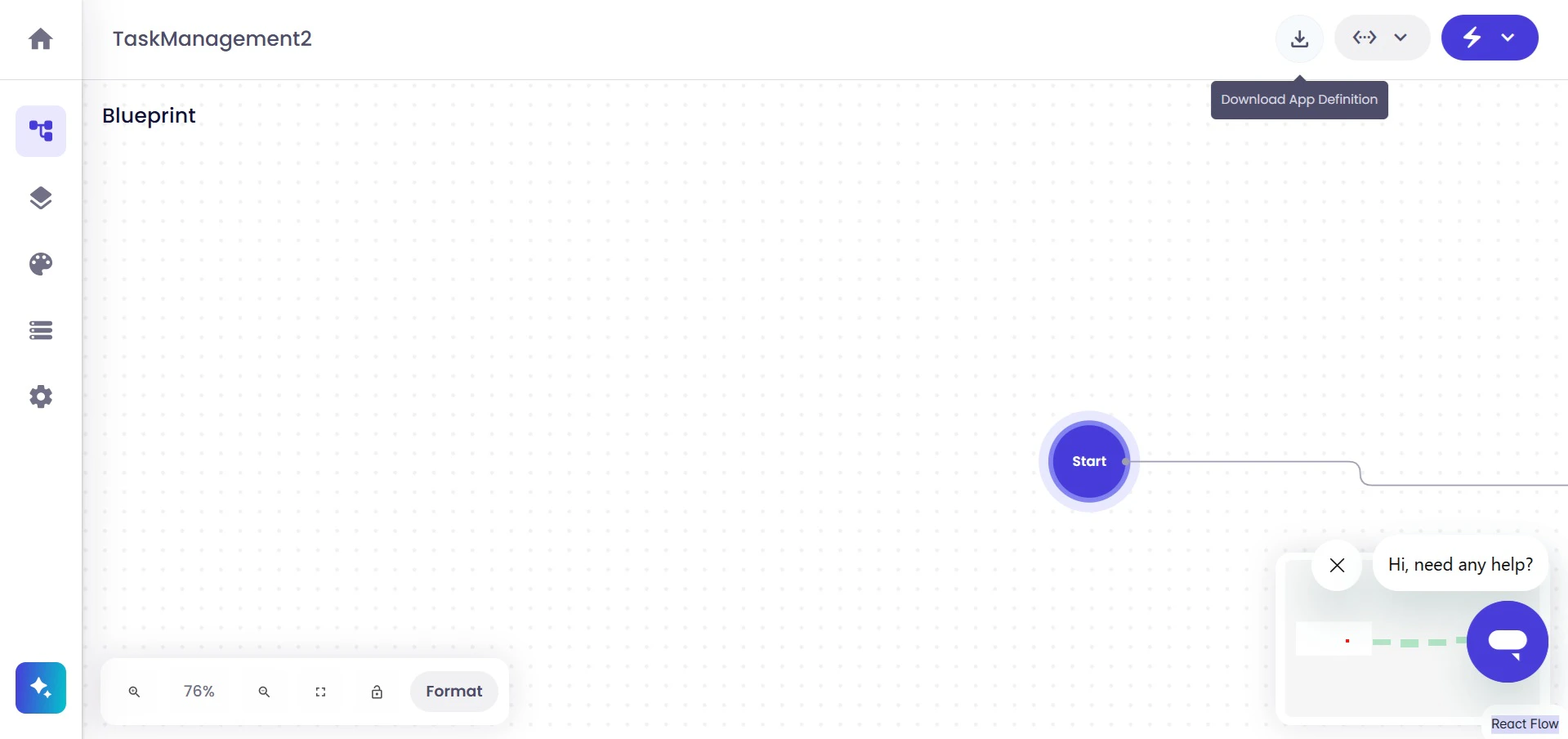
Open Blueprint View, then click Download App Definition to export the application structure as a JSON file.
Image
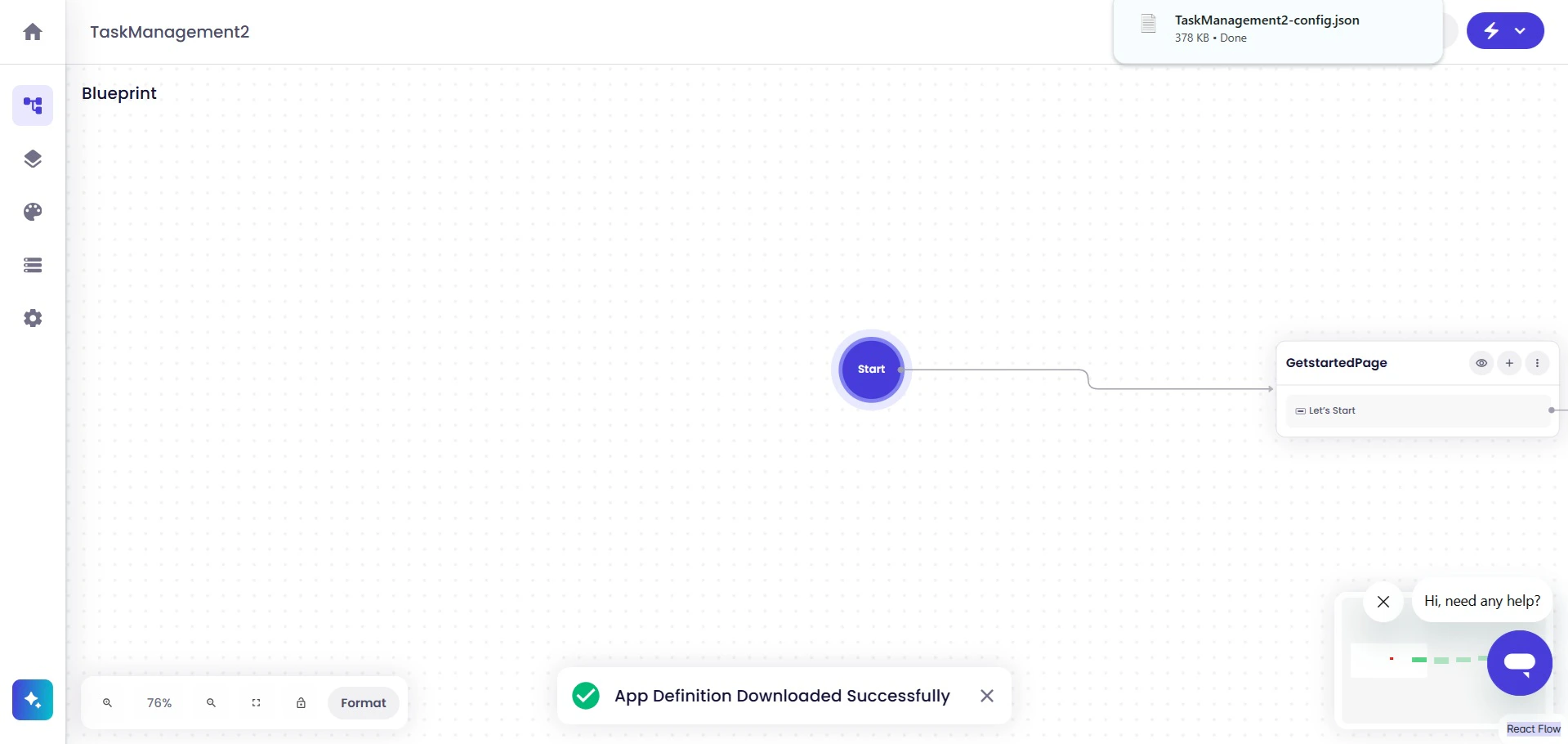
Symplr generates and downloads the Application Definition file in JSON format. Once the download completes successfully, Symplr displays a download confirmation message.
Image

Access the Downloaded File

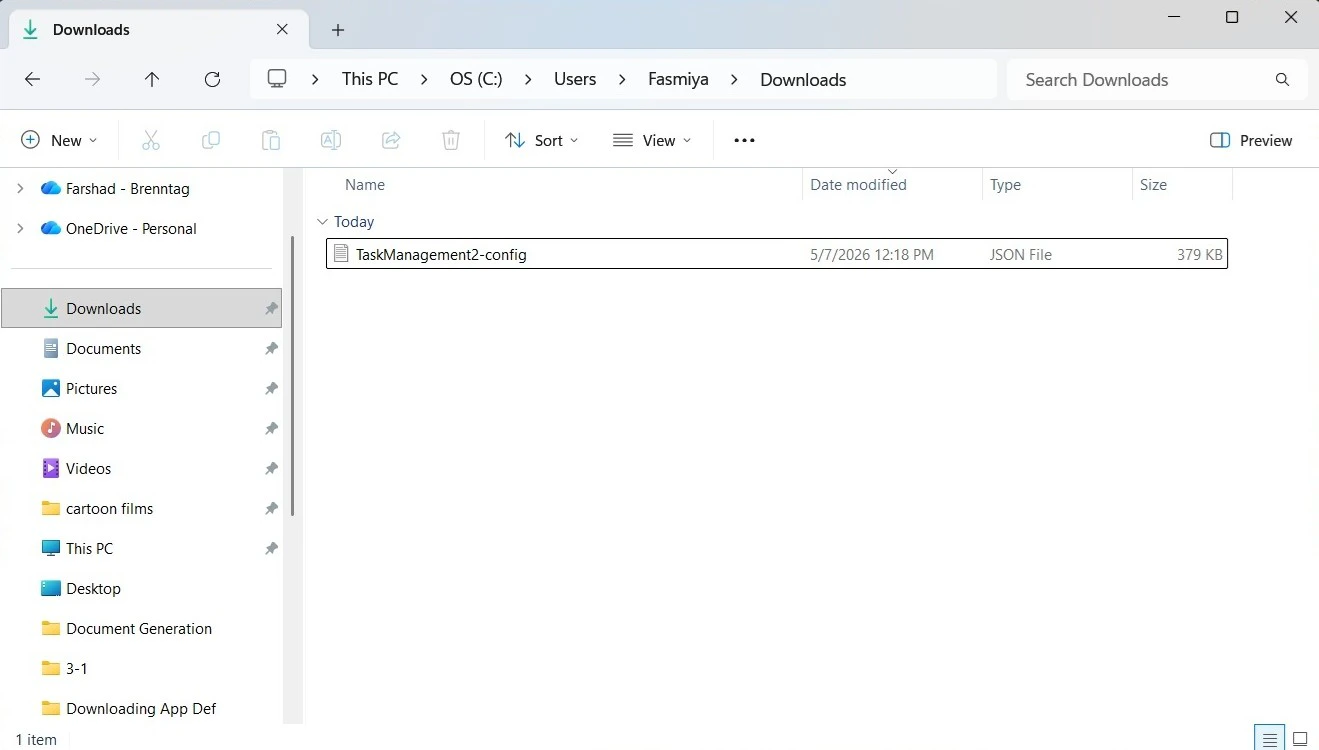
After the download completes, the file becomes available in your local downloads directory.
Image
The downloaded file is provided in .json format and typically includes the application name in the file name.

Application Definition Contents

The downloaded Application Definition file contains the application structure and configuration in JSON format. This includes:
  • Screens and navigation
  • Widgets and widget properties
  • Workflows and application logic
  • Application-level settings and configurations

Next Steps

After downloading the Application Definition file, you can continue by generating application code, extending workflows, configuring integrations, or continuing local development and integration workflows.