
Documentation Index

Fetch the complete documentation index at: https://docs.symplr.io/llms.txt

Use this file to discover all available pages before exploring further.

Symplr allows you to generate and download the application source package for continued development, testing, customization, and deployment workflows outside the platform. The generated package contains the application source files based on the screens, workflows, widgets, and configurations defined within your project.

Before You Begin

Before downloading application code, ensure:
  • Application structure is finalized in Blueprint View
  • Required generation options are configured in Developer Tools
  • The application is ready for code generation
For additional configuration options, see Code Generation Settings.

Generate the Code Package

Open the Developer Tools menu from the top-right corner of the Blueprint View and click Download Code.
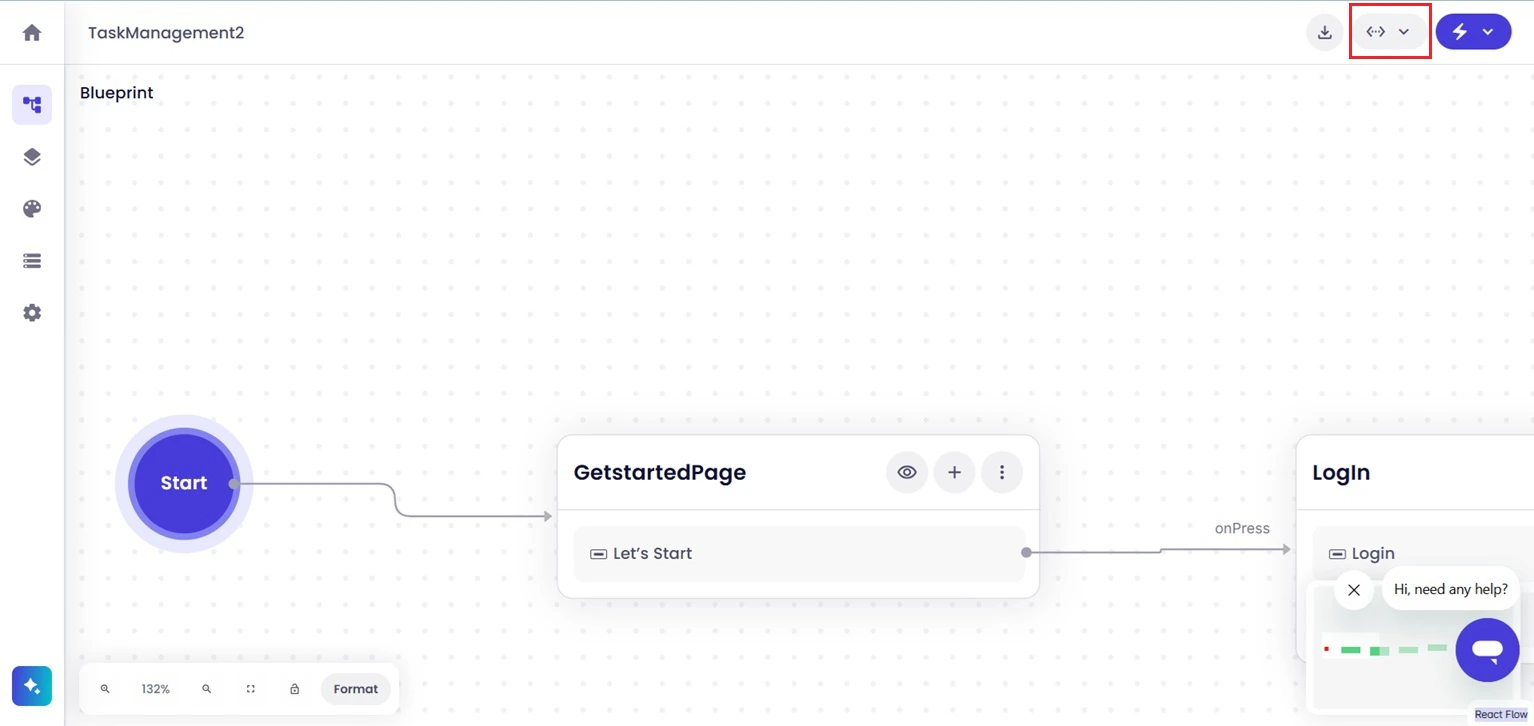
1 Optional Developer Tools Access Screenshot
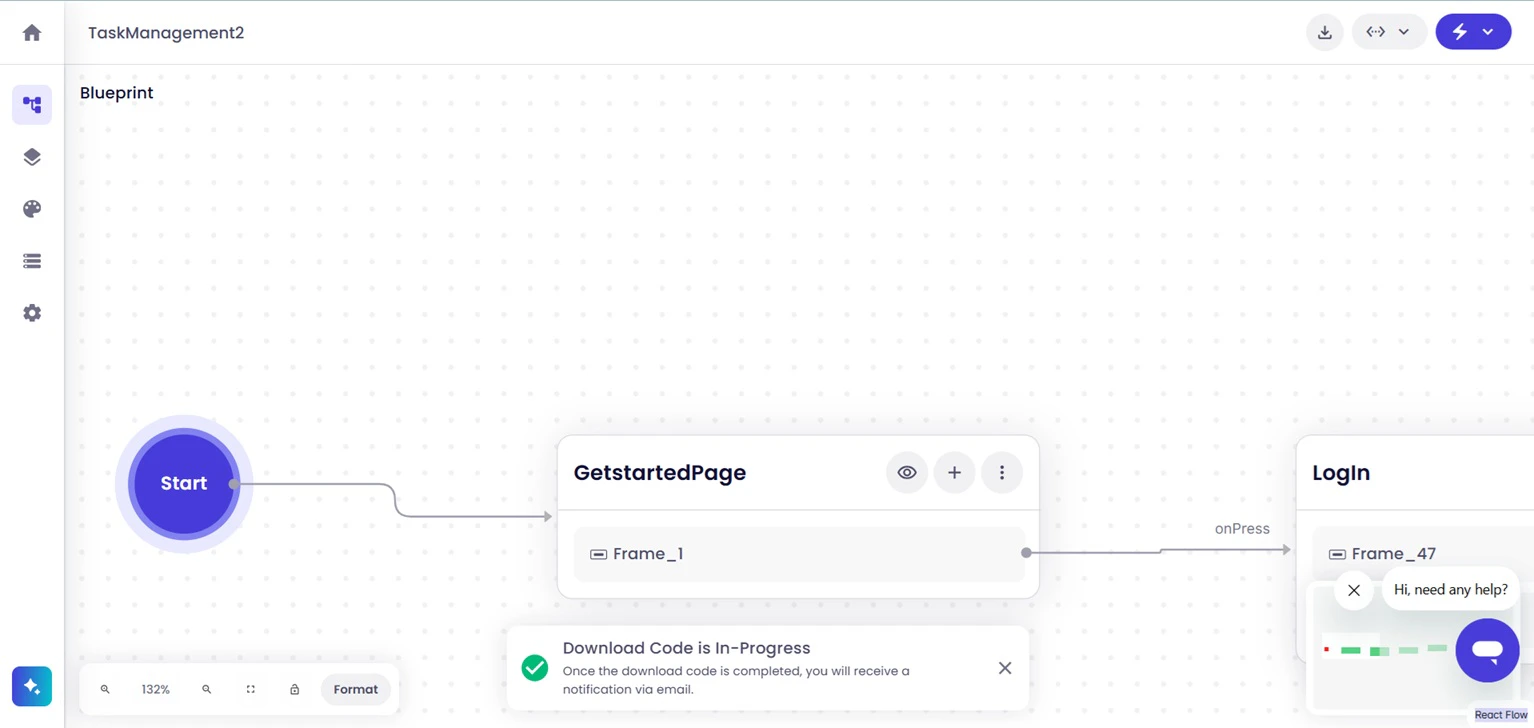
Symplr begins generating the application source package using the current project structure and selected generation settings.
3 Download In Progress Confirmation
Once the generation process starts successfully, Symplr displays a confirmation message confirming that the package is being prepared.

Receive the Generated Package

After the generation process completes successfully, Symplr delivers the generated application package to your registered email address. The email includes a Download Code button that allows the compressed source package to be downloaded.
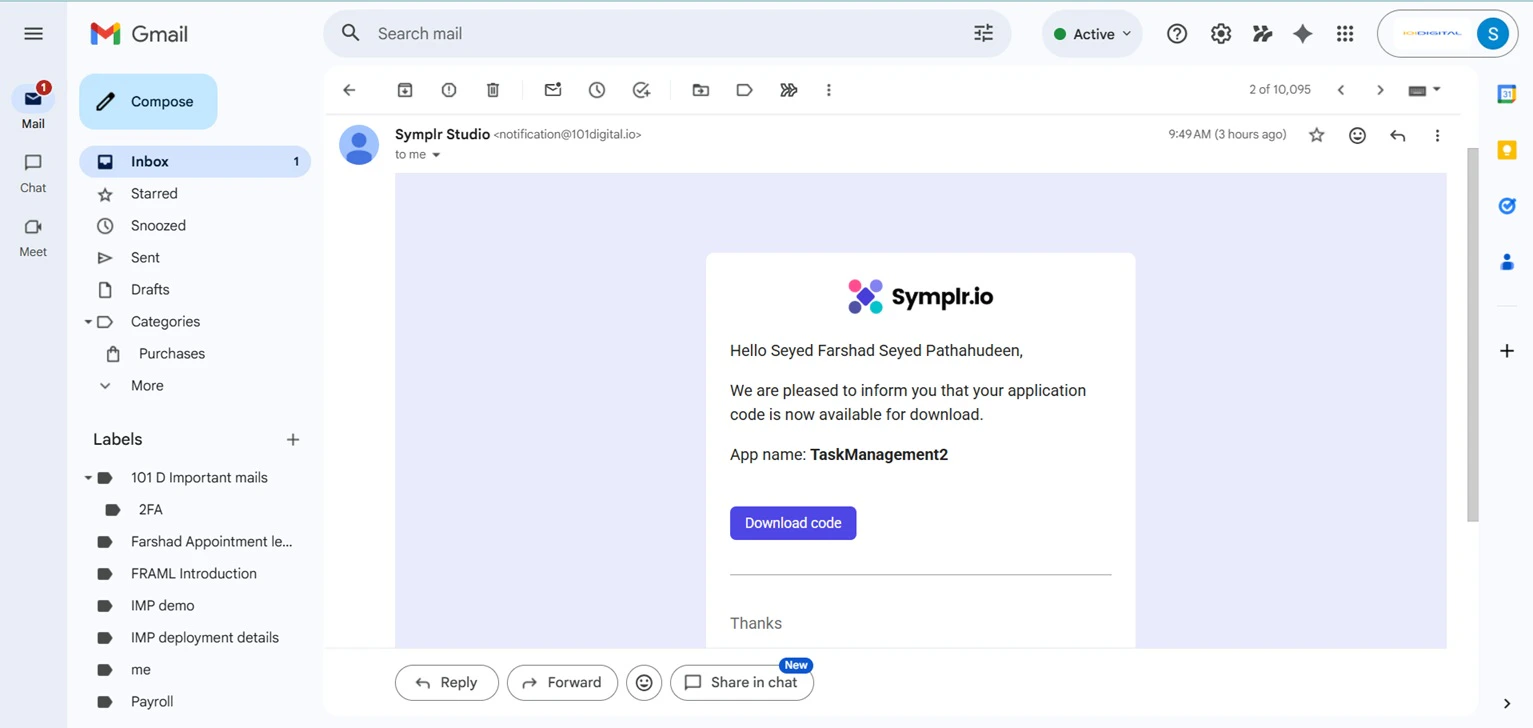
4 Email Content

Download the Package

From the email notification, click Download code to download the generated package to your local machine.
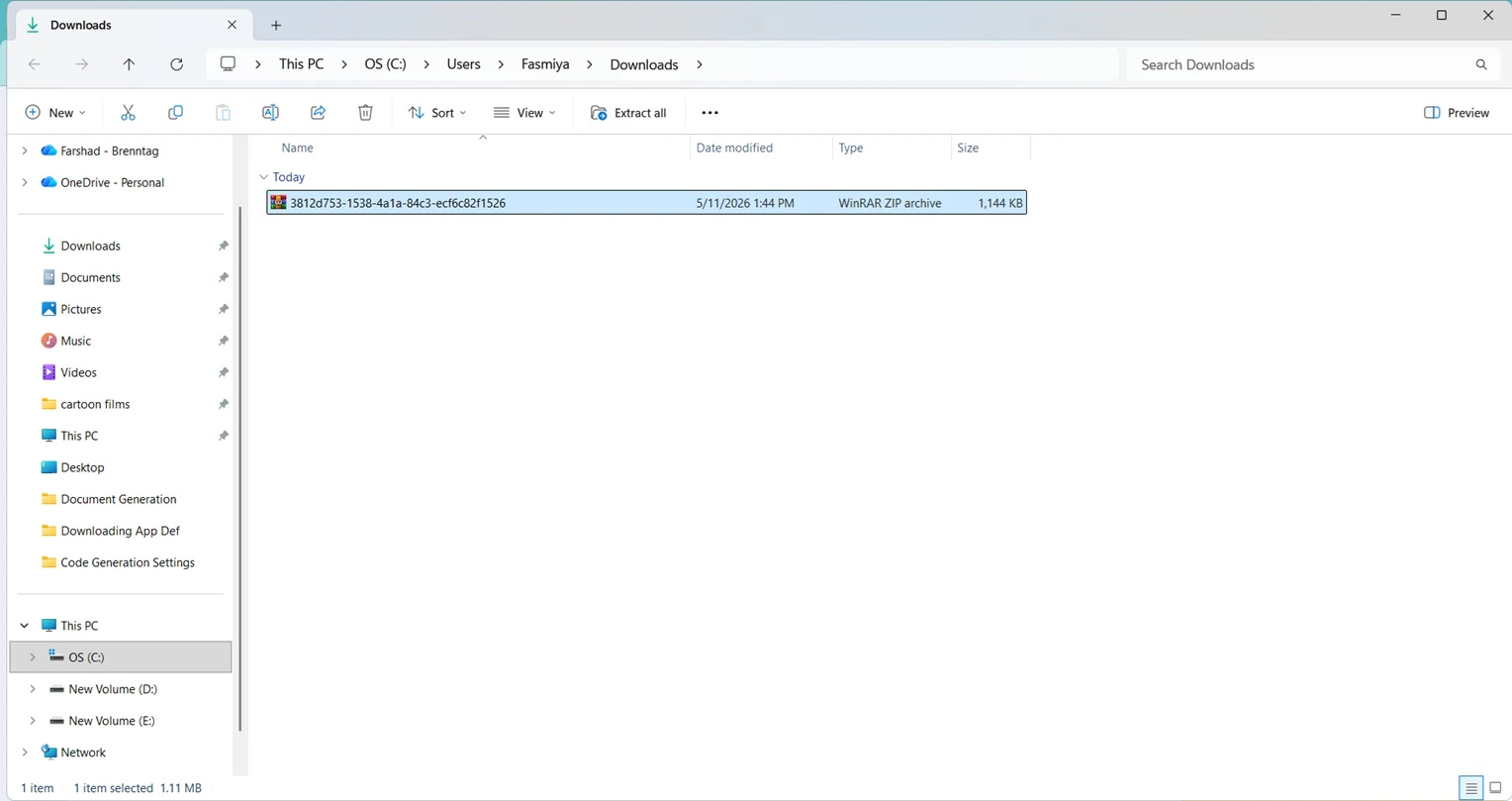
5 Downloaded Code
Once downloaded, the package can be extracted locally for continued development, testing, customization, and deployment workflows.

Next Steps

After downloading the generated application package, continue by setting up local development environments, extending application functionality, integrating external services, configuring deployment workflows, or preparing the application for external environments.